Stripe Terminal app vs Paid: which should you use?
Last updated
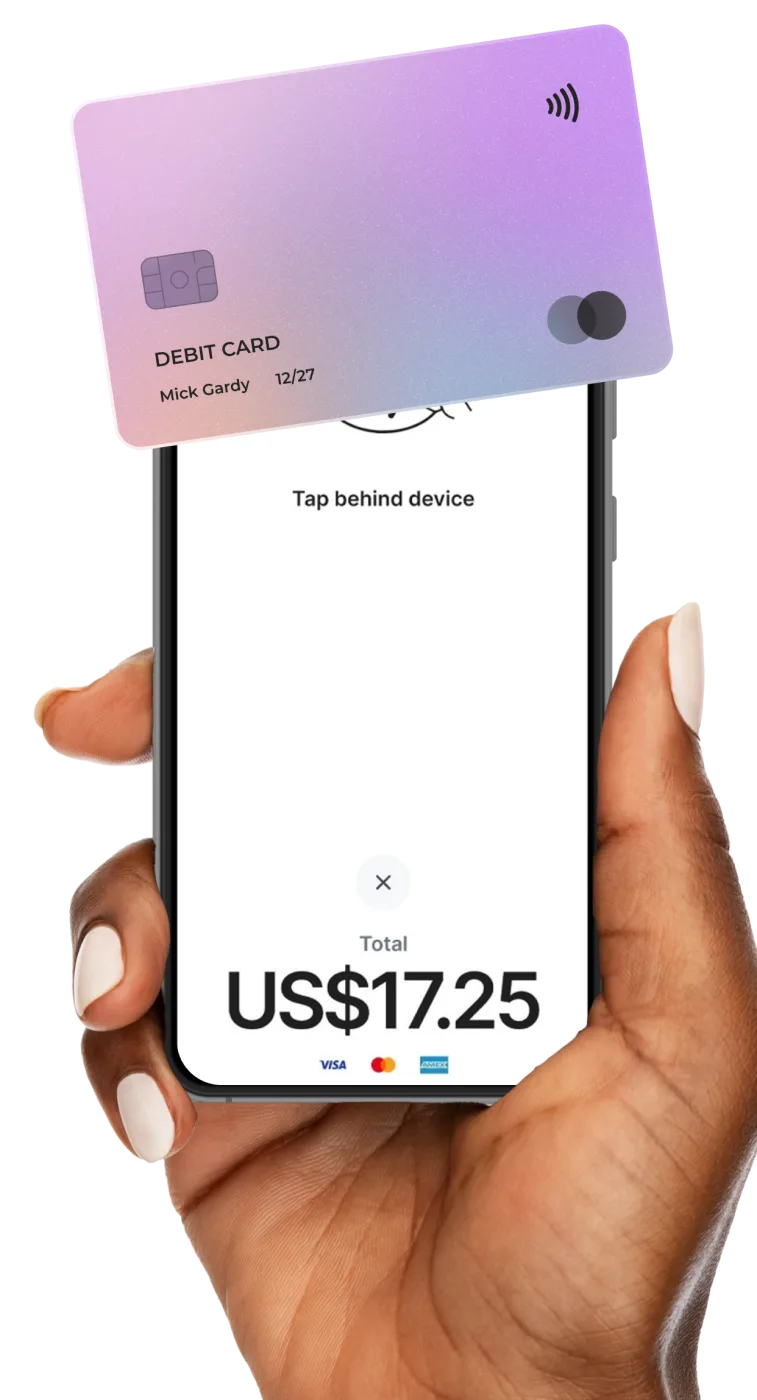
Use Stripe's Terminal app if you only need to type in an amount and take a card payment, on Android, at no extra cost. Use Paid if you want a real checkout, with a product catalog, tips, payment links, subscriptions, team members and offline payments on Stripe readers, on both iPhone and Android, for 0.99% per transaction. Both run on your own Stripe account, so you can try one and switch later without moving your money or customers.
What the Stripe Terminal app is
The Stripe Terminal app is Stripe's own no-code app for taking in-person payments, part of what Stripe calls its "Terminal ready-made apps". You log in with your Stripe account, pick an account and location, and take payments with Tap to Pay on your phone. No Dashboard or developer setup is needed.
It is in preview. The Android app is public on Google Play. The iPhone app is in private preview, and you have to email Stripe to ask for access.
A related option, standalone mode, runs a no-code payment app directly on the Stripe Reader S700/S710 and the Verifone V660p. It is also in public preview.
What Paid is
Paid is a point-of-sale app for iPhone and Android that connects to your existing Stripe account. It takes payments with Tap to Pay, Bluetooth card readers and internet readers, and it can run directly on the Stripe Reader S700/S710, T600, Verifone V660p and Verifone UX700. Paid is a Stripe Verified Partner used by 40,000+ businesses, with a 4.8-star rating.
Side by side
| Stripe Terminal app | Paid | |
|---|---|---|
| Extra fee | None, Stripe's standard fees only | 0.99% per transaction on top of Stripe's fees |
| iPhone | Private preview (request access) | Available |
| Android | Available | Available |
| Tap to Pay | Yes | Yes |
| Card readers | Standalone mode on S700/S710 and V660p (preview) | Bluetooth and internet readers, and runs on the S700/S710, T600, V660p and UX700 |
| Product catalog | Not listed, you type amounts | Yes |
| Tips | No (standalone mode on readers has tipping) | Yes |
| Offline payments | No | Yes, on the S700/S710, T600, V660p, UX700 and Bluetooth readers |
| Refunds and history | Yes | Yes |
| Email receipts | Yes | Yes |
| Payment links and QR codes | Not listed | Yes |
| Recurring subscriptions | Not listed | Yes |
| Taxes and pass fees to customer | Not listed | Yes |
| Team members with roles | Refunds limited to a "Terminal Operator" role | Yes, at no extra fee |
Stripe's own documentation says its ready-made apps are not "a point-of-sale system, cash register, or fiscal system", and that their receipts are card-payment confirmations only.
When the Stripe Terminal app is enough
- You type in an amount and take a card, and that's all you need.
- You're on Android, or you have access to the iPhone preview.
- You don't take tips, don't need a catalog and always have an internet connection.
- You want to avoid any fee on top of Stripe's.
In that case Stripe's app is a sensible, free choice. The Stripe Dashboard app also has a basic Tap to Pay option if you only charge a card now and then.
When Paid is the better choice
- You sell items, not just amounts. A product catalog makes checkout faster and your sales history more useful.
- You take tips. Paid has built-in tipping on the phone and on readers.
- You sell where the internet drops. On the S700/S710, T600, V660p and UX700, and with the Bluetooth readers (Stripe Reader M2 and BBPOS WisePad 3), Paid keeps taking cards offline and sends them to Stripe when you reconnect. Stripe limits how much you can take offline, and an offline payment can still be declined later.
- You get paid remotely too. Payment links and QR codes, and recurring subscriptions, live in the same app.
- You have staff. Add team members with roles, at no extra fee.
- You use an iPhone and don't want to wait for preview access.
What the difference costs
Stripe's fees are the same whichever app you use, because both run on your Stripe account. The only difference is Paid's 0.99%. On a $50 sale that is about $0.50, and on $10,000 of monthly sales it is $99. Our Tap to Pay fees guide shows the full breakdown, and the Paid vs the Stripe Dashboard app page compares Paid with Stripe's main app.
Frequently asked questions
Is the Stripe Terminal app free?
Stripe doesn't charge an extra app fee. You pay Stripe's standard in-person and Tap to Pay fees, the same as with any other app on your Stripe account.
Is the Stripe Terminal app available on iPhone?
Only in private preview. You have to email Stripe to request access. The Android app is public on Google Play.
Does the Stripe Terminal app support tips?
Not on the phone. Stripe's standalone mode on the S700/S710 and V660p readers has on-reader tipping. Paid supports tips on the phone and on readers.
Can I use Paid and the Stripe Terminal app with the same Stripe account?
Yes. Both connect to your existing Stripe account, and all payments show up in your Stripe Dashboard, so you can try both.
Does Paid work without an internet connection?
Yes, with a card reader. On readers that run Paid (the Stripe Reader S700/S710 and T600, and the Verifone V660p and UX700), Paid stores payments on the reader. With a Bluetooth reader (Stripe Reader M2 or BBPOS WisePad 3), it stores them in the Paid app on your phone. Either way, they are sent to Stripe once you are back online. Tap to Pay on a phone needs a connection for each payment.