How to accept credit card payments on iPhone with Stripe
Last updated
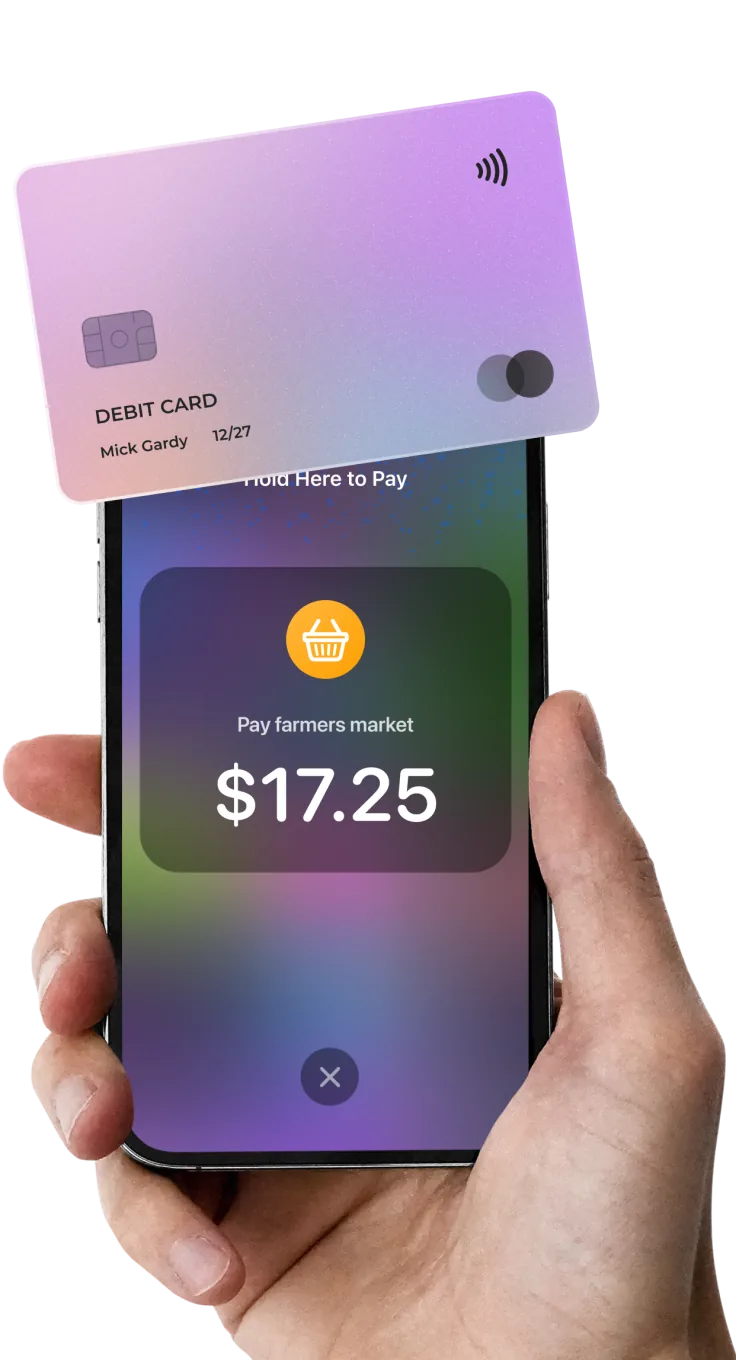
To accept credit card payments on your iPhone with Stripe, install a payment app that supports Tap to Pay on iPhone, such as Paid, and connect your Stripe account. Customers then tap their contactless card, Apple Pay or Google Pay on the top of your iPhone, and the money goes straight into your Stripe balance.
You don't need a card reader, a new merchant account or a monthly plan. And when a customer can't pay contactless or isn't with you, the same app can take cards with a Bluetooth reader or a payment link.
Three ways to take card payments on an iPhone
| Method | Best for | What you need |
|---|---|---|
| Tap to Pay on iPhone | Face-to-face sales, contactless cards and wallets | An iPhone XS or later |
| Bluetooth card reader | Customers who insert or swipe their card | A Stripe card reader paired with your iPhone |
| Payment link or QR code | Customers who aren't with you, or who prefer to pay on their own phone | Nothing extra |
All three work in Paid, and every payment lands in the same Stripe account.
1. Tap to Pay on iPhone
Tap to Pay turns your iPhone into a contactless card terminal. It accepts contactless debit and credit cards, Apple Pay, Google Pay and other digital wallets.
How to set it up:
- Download Paid from the App Store.
- Open it and connect your Stripe account. If you don't have one yet, you can create it in the app.
- Enter an amount, or pick items from your product catalog, and choose Tap to Pay.
- The first time, accept Apple's Tap to Pay terms. This only happens once.
- Hold your iPhone out to the customer. They tap their card, phone or watch near the top of your iPhone, and the payment is done.
You need an iPhone XS or later and a supported country. Tap to Pay on iPhone is available with Stripe in the US, UK, Canada, Australia, New Zealand, Singapore and most of Europe. The Tap to Pay on iPhone page has the current list.
2. A Bluetooth card reader
Tap to Pay only takes contactless payments. If you want to accept chip cards that are inserted, or swiped cards, pair a small Bluetooth reader with your iPhone:
- The Stripe Reader M2 is a pocket-sized reader sold in the US.
- The BBPOS WisePad 3 takes chip and PIN payments and is sold in the UK, Europe and other markets.
You connect the reader in the Paid app, enter the amount on your iPhone and the customer pays on the reader. If you'd rather not use your phone at the counter at all, internet readers like the Stripe Reader S700/S710 run Paid on the reader itself. The reader finder helps you choose.
3. Payment links and QR codes
For customers who aren't standing in front of you, such as a deposit, a phone order or an invoice, send a payment link from Paid by message or email. The customer pays by card on their own device. You can also show a QR code on your iPhone for the customer to scan and pay with their phone.
What it costs
Stripe charges its standard fees for each payment, and Paid adds 0.99% per transaction, with no monthly or setup fee.
- In-person cards in the US: 2.7% + 5¢. Tap to Pay adds $0.10 per payment. A card reader doesn't have that extra fee.
- Payment links and QR codes: Stripe's online card fee applies, which is 2.9% + 30¢ for US cards.
Fees differ by country. See Stripe Tap to Pay fees explained for a worked example in dollars, pounds and euros, or try the calculator on our pricing page.
Why use a Stripe app instead of a new payment provider?
If you already use Stripe, for an online shop, invoices or subscriptions, an app like Paid keeps your in-person sales in the same account. Your customers, reports and payouts stay in one place, and there's no new merchant account to open. See Paid vs PayPal Zettle and Square for a fuller comparison, or the best Stripe POS apps compared to see how the apps that work with Stripe differ.
Frequently asked questions
Can I accept credit cards on my iPhone without a card reader?
Yes. With Tap to Pay on iPhone, an iPhone XS or later accepts contactless credit and debit cards, Apple Pay and Google Pay directly. You only need an app that supports Tap to Pay with Stripe, such as Paid.
Which iPhones support Tap to Pay?
Tap to Pay on iPhone works on the iPhone XS and later, running a recent version of iOS.
Can I take a card payment on iPhone if the customer isn't there?
Yes. Send a payment link from Paid by message or email, and the customer pays by card on their own device. The money goes into your Stripe account like any other payment.
How long does it take to get paid?
Payments go straight into your own Stripe account, and Stripe pays them out to your bank on your usual payout schedule. Paid doesn't hold your money.
How much does it cost to accept card payments on iPhone with Paid?
Paid charges 0.99% per transaction on top of Stripe's standard fees, with no monthly or setup fee. In the US, Stripe's in-person fee is 2.7% + 5¢, plus $0.10 for each Tap to Pay payment.